How to sign a PDF without printing it (free, on any computer or phone)
Add a typed or real signature to a PDF contract or form without printing, scanning or creating an account.
Free · no account · 3 free uses of every tool · also for Mac (Intel), Windows, Linux
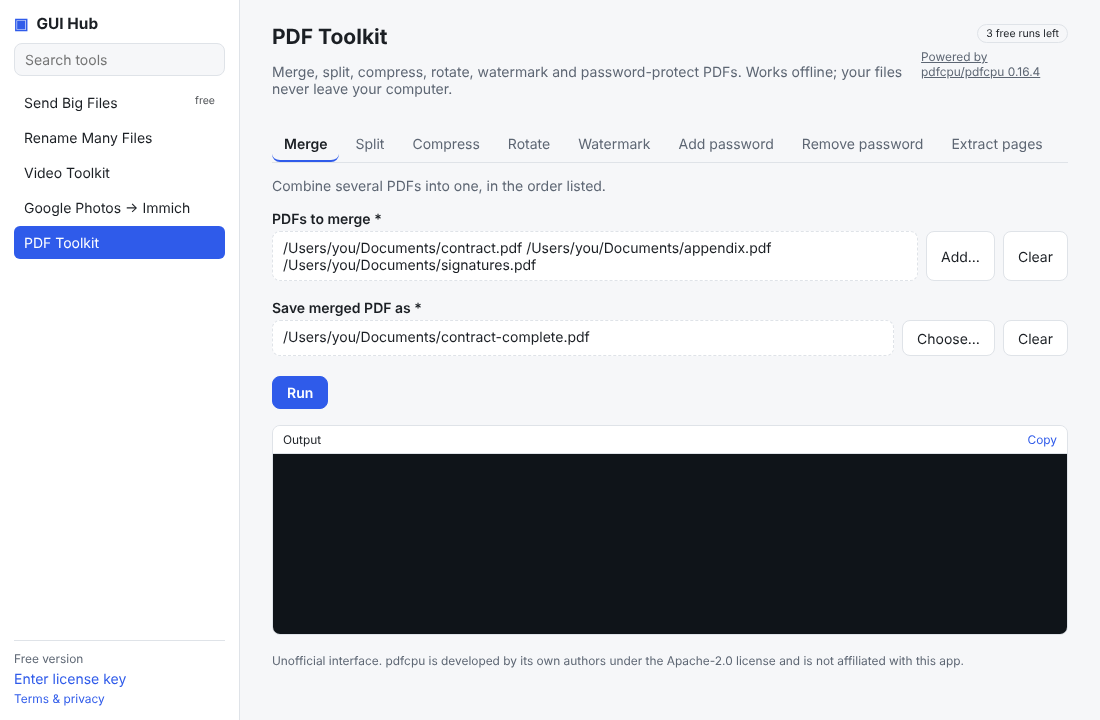
Printing a form just to sign it and scan it back is no longer necessary for most everyday documents — rental applications, school forms, quotes, NDAs.
Option 1: in your browser (any device)
- Open the PDF signer.
- Type your name (it becomes a handwritten-style signature) — or choose a photo of your real signature on white paper together with the PDF.
- Pick the page (last, first or every page) and corner; tick “add today’s date”.
- Choose the PDF and download the signed copy. The document never leaves your device.
Option 2: built-in apps
On a Mac, Preview → Markup → Sign. On Windows, Microsoft Edge opens PDFs and has a Draw tool. On iPhone, the Files app → Markup.
When it’s not enough
A picture of a signature is a simple electronic signature. Some documents (property deeds, some government and banking forms, EU “qualified” signatures) need a certified e-signature service or a wet signature — check what the recipient accepts.
Do it now
Free in your browser, nothing uploaded: Sign a PDF · Merge PDF · Compress PDF.
Try it now
Free download — use it 3 times free. $9 once unlocks everything. Prefer to ask your AI? GUI Hub also works as an MCP server for Claude, Cursor and others.