Gmail attachment too large? The 25 MB limit and how to get under it
Gmail and Outlook cap attachments at around 20–25 MB. How to make videos, PDFs and photos small enough to attach — without uploading them to a converter site.
Free · no account · 3 free uses of every tool · also for Mac (Intel), Windows, Linux
Gmail lets you attach up to 25 MB per email; anything bigger is turned into a Google Drive link. Outlook.com’s limit is around 20 MB. If you want the file itself in the email, make it smaller.
What usually makes it big
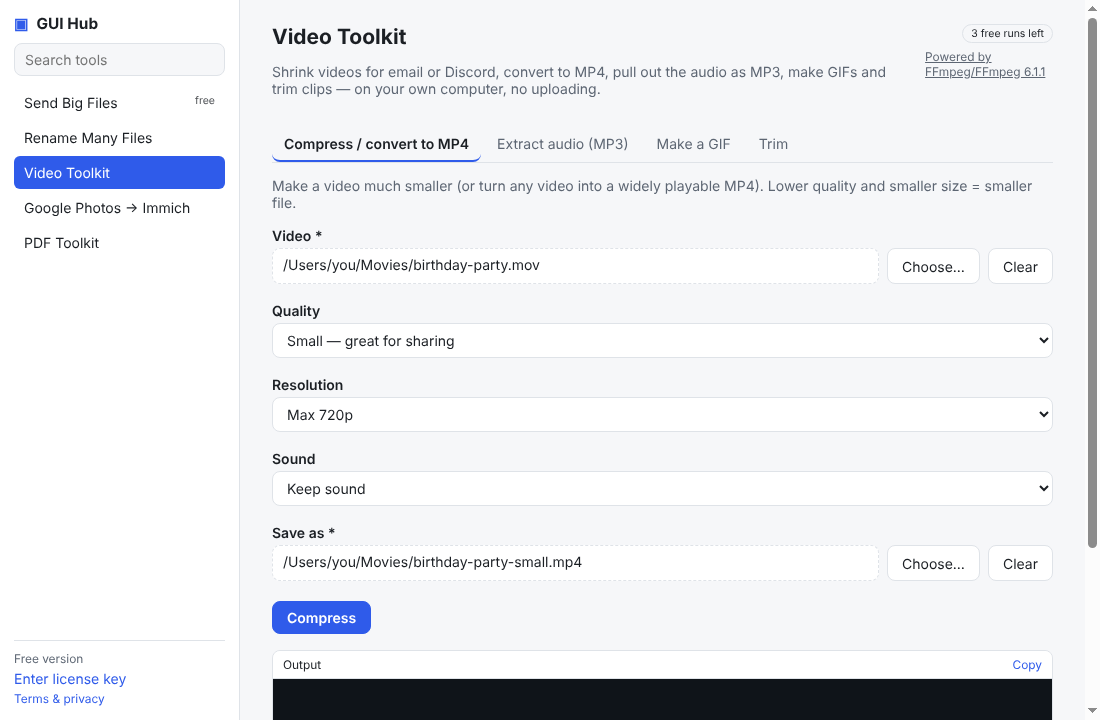
- Videos — even a minute of phone video can be 100 MB+. Re-encoding to ~25 MB is usually fine for watching.
- Scanned PDFs — each page is a large picture. Re-saving the pages at a sensible quality shrinks them dramatically.
- Photos — modern phone photos are 3–10 MB each.
Several files?
Zip them — or compress each one first, then zip.
Do it now
Free in your browser, nothing uploaded: Compress a video for email · Compress a PDF to 1 MB · Compress photos to 500 KB. For long files, or to let Claude/Cursor do it (file by file, even a whole folder): GUI Hub Essentials → Video Toolkit / PDF Toolkit / Image Compressor (3 free uses per tool, then $9 once for everything).
Try it now
Free download — use it 3 times free. $9 once unlocks everything. Prefer to ask your AI? GUI Hub also works as an MCP server for Claude, Cursor and others.