PDF too large to upload? How to make it smaller (100 KB, 200 KB, 1 MB…)
Government, job and university portals often reject PDFs over 100 KB–2 MB. Why scans are so big and how to shrink a PDF to an exact size without uploading it.
Free · no account · 3 free uses of every tool · also for Mac (Intel), Windows, Linux
Upload portals often cap PDFs at 100 KB, 200 KB, 500 KB or a few MB. Phone scans and scanner exports are usually far bigger, because every page is a full-resolution picture.
Two ways to shrink a PDF
- Re-save the pages as smaller images — the biggest savings, ideal for scans and certificates. The text becomes part of the picture (you can’t select it). Our free browser tool does this to an exact target size.
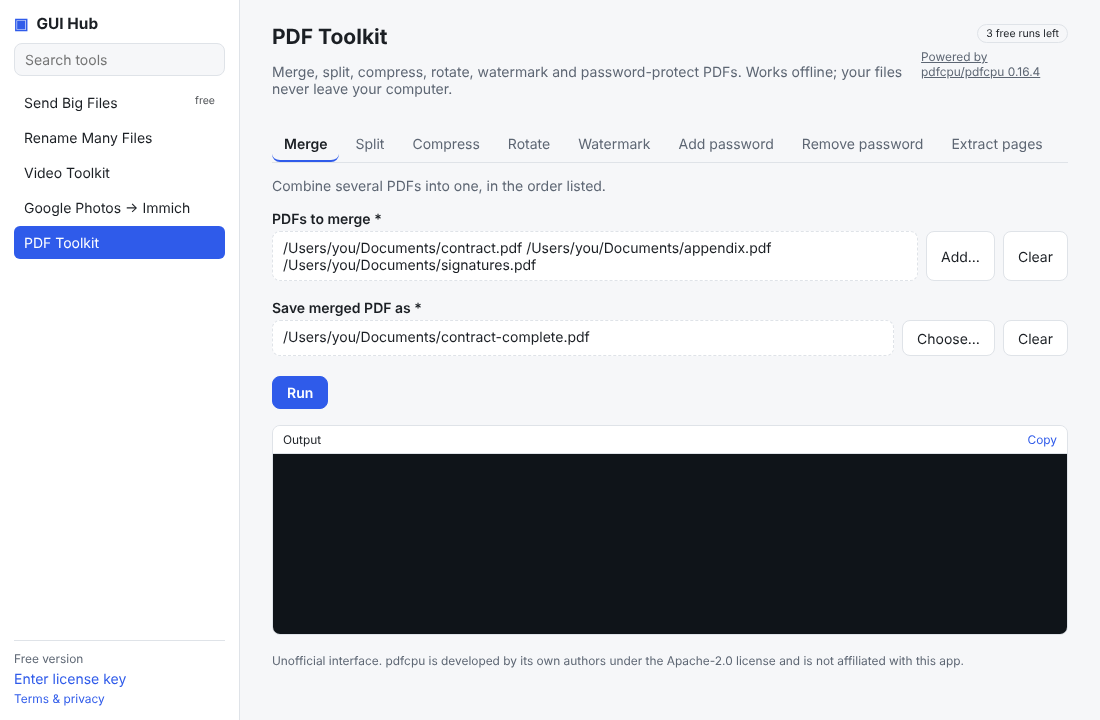
- Optimise the PDF — removes duplicate data and keeps text selectable. Smaller savings on scans, great on exported documents. GUI Hub’s PDF Toolkit does this offline.
Still too big?
Split it and upload only the pages asked for, or scan in black-and-white at 150–200 dpi.
Do it now
Free in your browser, nothing uploaded: Compress PDF to 100 KB · 200 KB · 1 MB · Split a PDF. For long files, or to let Claude/Cursor do it (file by file, even a whole folder): GUI Hub Essentials → PDF Toolkit → Make smaller (3 free uses per tool, then $9 once for everything).
Try it now
Free download — use it 3 times free. $9 once unlocks everything. Prefer to ask your AI? GUI Hub also works as an MCP server for Claude, Cursor and others.