Discord file size limit — and how to get your video under it
Discord's upload limit for free accounts is small. Here's what the limits are and the quickest ways to shrink a video so it uploads.
Free · no account · 3 free uses of every tool · also for Mac (Intel), Windows, Linux
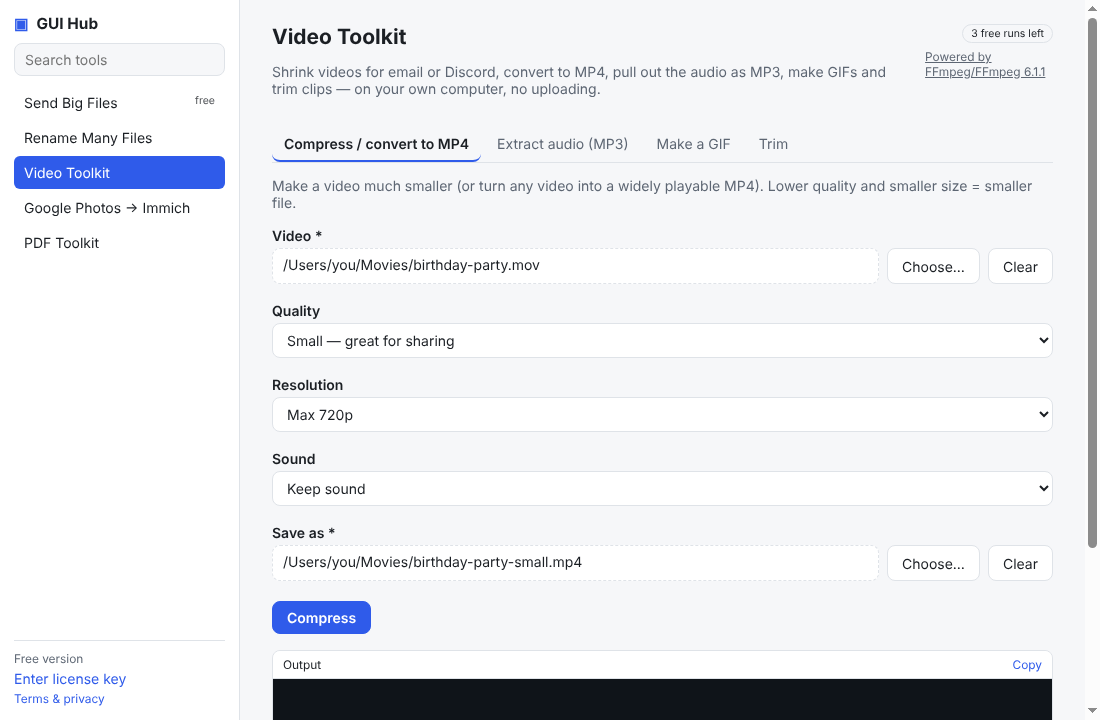
When a clip is too big, Discord just says the file is too large. The limit depends on your account.
The limits
- Free accounts: 10 MB per file.
- Nitro Basic: 50 MB.
- Nitro: 500 MB.
These are Discord’s published limits at the time of writing — check Discord’s Help Center if an upload still fails.
How to get under 10 MB
- Re-encode at a lower bitrate. Size ≈ bitrate × length, so a 30-second clip at ~2.5 Mbit/s lands under 10 MB. Our compressor works this out for you.
- Lower the resolution to 720p or 480p — on a phone screen it barely shows.
- Trim the parts nobody needs to see.
Do it now
Free in your browser, nothing uploaded: Compress for Discord (10 MB) · 50 MB (Nitro Basic) · Trim a video. For long files, or to let Claude/Cursor do it (file by file, even a whole folder): GUI Hub Essentials → Video Toolkit → Compress (3 free uses per tool, then $9 once for everything).
Try it now
Free download — use it 3 times free. $9 once unlocks everything. Prefer to ask your AI? GUI Hub also works as an MCP server for Claude, Cursor and others.