The best free video compressors (for Discord, email and WhatsApp), honestly compared
Shrink videos for free: HandBrake, VLC, online compressors and in-browser tools compared — what each does well and where it falls short.
Free · no account · 3 free uses of every tool · also for Mac (Intel), Windows, Linux
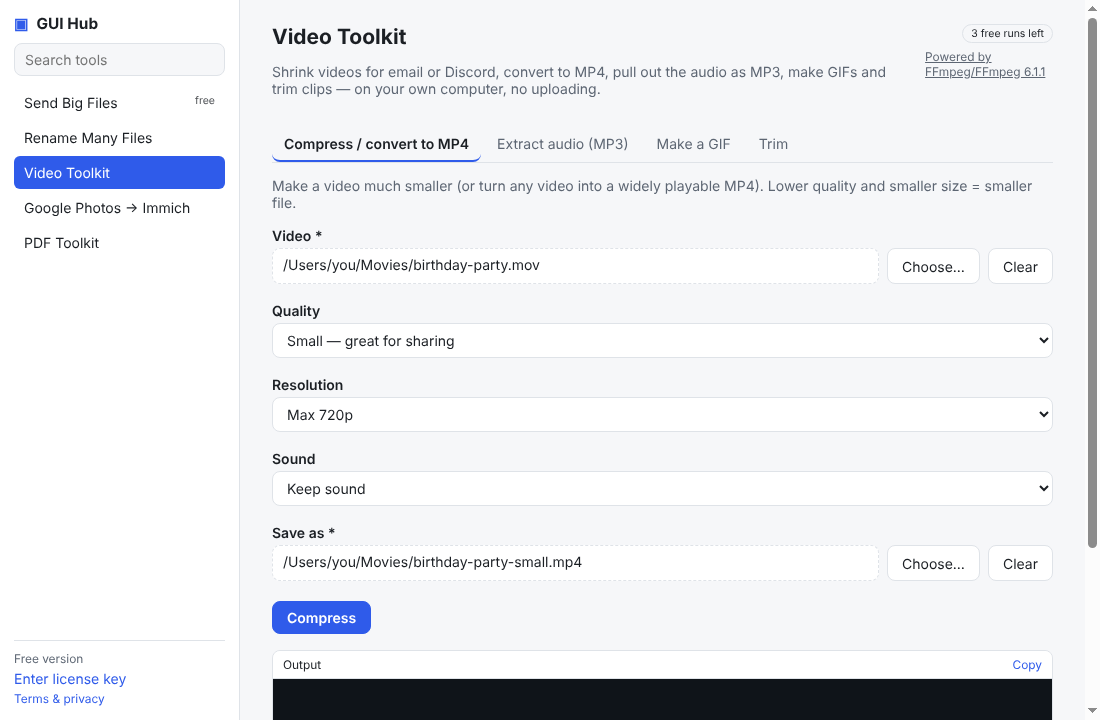
Compressing video is mostly about picking a sensible bitrate and size. Free tools do it well; the differences are how many choices you have to make and whether you must upload.
We make GUI Hub, so we list it — but we’ve tried to be fair: the free options below are genuinely good, and we say when one of them is the better pick.
The options
HandBrake — free open-source desktop app
Good for: full control and excellent quality
Watch out for: many settings; aiming for an exact file size takes trial and errorVLC “Convert/Save” — free media player
Good for: if you already have VLC
Watch out for: awkward for hitting a size limitOnline compressors (FreeConvert, Clideo…) — websites
Good for: no install
Watch out for: uploads; size limits and watermarks on free plansFFmpeg — free open-source command line
Good for: power users
Watch out for: command lineGUI Hub (ours) — desktop app for Windows, macOS and Linux, offline
Good for: a free in-browser compressor that hits a target size (8, 10, 25, 50 MB…) with no upload or watermark; the desktop app does any length and also hits a size you pick — and your AI can do it, file by file
Watch out for: the free browser version handles clips up to 5 minutes; $9 once after 3 free uses for the app (covers every GUI Hub tool) Or try the free browser version (no upload, no watermark).
Which should you pick?
Want every knob: HandBrake. Just need it under 10 or 25 MB right now: our free browser compressor. Long videos, or your AI doing it: GUI Hub.
Try it now
Free download — use it 3 times free. $9 once unlocks everything. Prefer to ask your AI? GUI Hub also works as an MCP server for Claude, Cursor and others.