How to make a ringtone from a song (Android and iPhone)
Cut the best part of a song into a ringtone for free — the easy way on Android, and the extra steps iPhones need.
Free · no account · 3 free uses of every tool · also for Mac (Intel), Windows, Linux
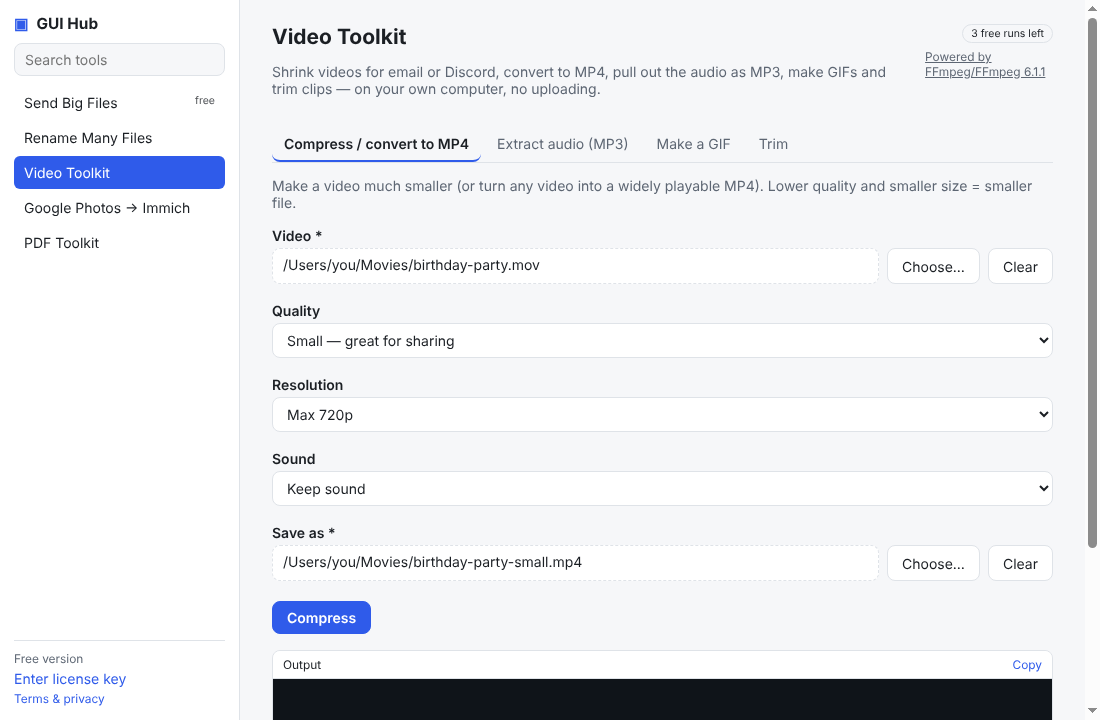
A ringtone is just a short audio clip. Cut the part you want, then put it on your phone.
1. Cut the clip
Pick 20–30 seconds — the chorus usually works best. Our MP3 cutter keeps the part between two times you choose and saves an MP3, in your browser.
2a. Android
Copy the MP3 to your phone (USB, Google Drive or by sending it to yourself), then Settings → Sound → Phone ringtone and pick it (menu names vary by phone; some need the file in a Ringtones folder).
2b. iPhone
iPhones only use ringtones in Apple’s .m4r format, up to 40 seconds, added through GarageBand on the iPhone or through Finder/Apple Devices on a computer. Keep your clip under 40 seconds.
Only use music you have the rights to.
Do it now
Free in your browser, nothing uploaded: MP3 cutter · Video to MP3. For long files, or to let Claude/Cursor do it (file by file, even a whole folder): GUI Hub Essentials → Video Toolkit → Audio (3 free uses per tool, then $9 once for everything).
Try it now
Free download — use it 3 times free. $9 once unlocks everything. Prefer to ask your AI? GUI Hub also works as an MCP server for Claude, Cursor and others.