The best free ways to compress a PDF (online and offline), honestly compared
Make a PDF smaller for email or an upload portal: online compressors, free desktop apps and in-browser tools compared — including when your text stays selectable.
Free · no account · 3 free uses of every tool · also for Mac (Intel), Windows, Linux
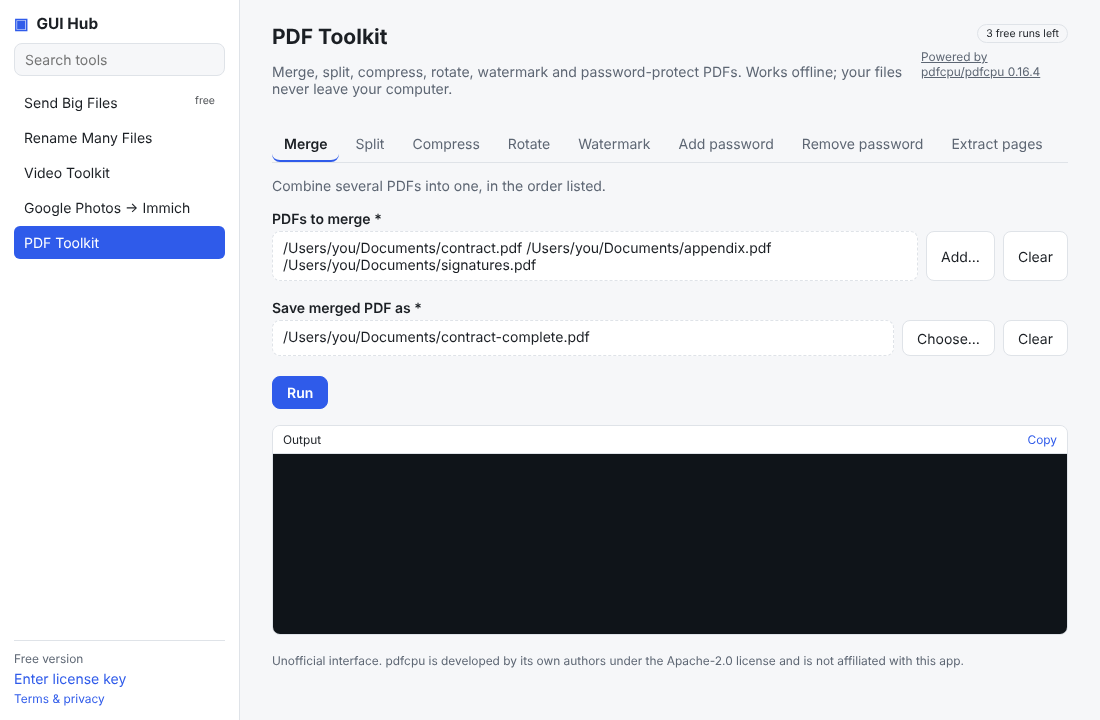
Most PDF size comes from scanned pages and photos. Compressors either optimise the file (text stays selectable) or re-save pages as smaller images (biggest savings, best for scans).
We make GUI Hub, so we list it — but we’ve tried to be fair: the free options below are genuinely good, and we say when one of them is the better pick.
The options
iLovePDF / Smallpdf — websites with free daily limits
Good for: fast, polished, everywhere
Watch out for: you upload the document; free use is limited (file size, number of tasks)PDF24 Creator — free Windows desktop app
Good for: private, generous, lots of PDF tools
Watch out for: Windows onlymacOS Preview “Reduce File Size” — built into Macs
Good for: quick and free
Watch out for: often blurry; little controlGhostscript — free open-source command line
Good for: power users and scripts
Watch out for: command lineGUI Hub (ours) — desktop app for Windows, macOS and Linux, offline
Good for: a free in-browser compressor that hits an exact target (100 KB, 200 KB…) without uploading; the desktop app optimises while keeping text selectable, works on folders, merges and password-protects — and your AI can do it
Watch out for: the browser version turns pages into images; $9 once after 3 free uses for the app (covers every GUI Hub tool) Or try the free browser version (exact size targets, no upload).
Which should you pick?
On Windows and want everything free: PDF24. Need an exact size for a portal without uploading: our free browser compressor. Many PDFs, privacy, or AI doing it: GUI Hub.
Try it now
Free download — use it 3 times free. $9 once unlocks everything. Prefer to ask your AI? GUI Hub also works as an MCP server for Claude, Cursor and others.