Join several videos into one — free to try, no watermark, no upload
Combine clips from your phone, camera and screen recorder into one MP4, even when they have different sizes, formats or frame rates. Offline, no watermark.
Free · no account · 3 free uses of every tool · also for Mac (Intel), Windows, Linux
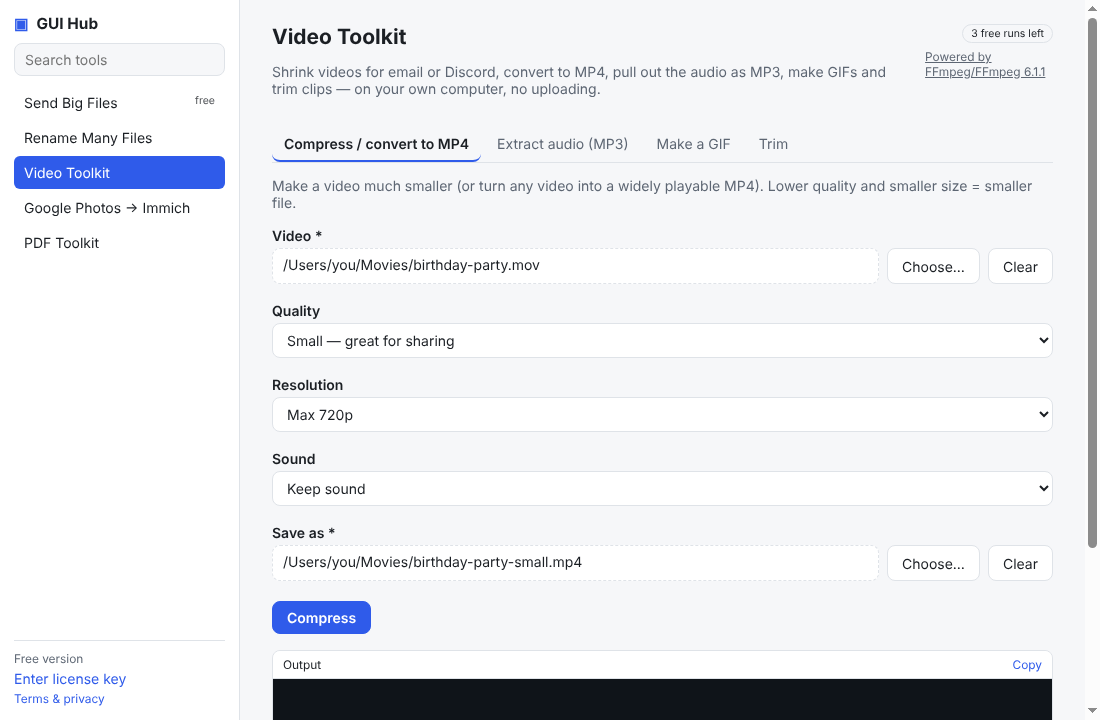
Joining clips is easy until they don’t match: a portrait phone video, a landscape camera clip and a screen recording at a different frame rate. Online joiners need uploads and often watermark free exports.
How it works
- Pick the clips in order and the output size (1080p or 720p, landscape or portrait).
- Each clip is converted to the same format with FFmpeg — fitted with black bars instead of stretched — then joined without another quality loss.
- The result is one MP4 that plays everywhere. No watermark, no length limit.
What it doesn’t do
It joins clips end to end; it isn’t an editor with transitions or music. Clips should all have sound or all be silent.
Try it free
Download GUI Hub Essentials and open Video Toolkit → Join videos into one. Every tool works 3 times free; $9 once then unlocks every GUI Hub tool — no subscription, 30-day money-back guarantee. Prefer AI? Ask Claude or your agent: “Join clip1.mp4, clip2.mov and clip3.mp4 into one 1080p video.”
Try it now
Free download — use it 3 times free. $9 once unlocks everything. Prefer to ask your AI? GUI Hub also works as an MCP server for Claude, Cursor and others.