Fill in a PDF form without Adobe Acrobat (or let your AI fill it)
Fill in fillable PDF forms — applications, tax and intake forms — on your own computer, without Acrobat Pro or uploading your ID numbers to a website.
Free · no account · 3 free uses of every tool · also for Mac (Intel), Windows, Linux
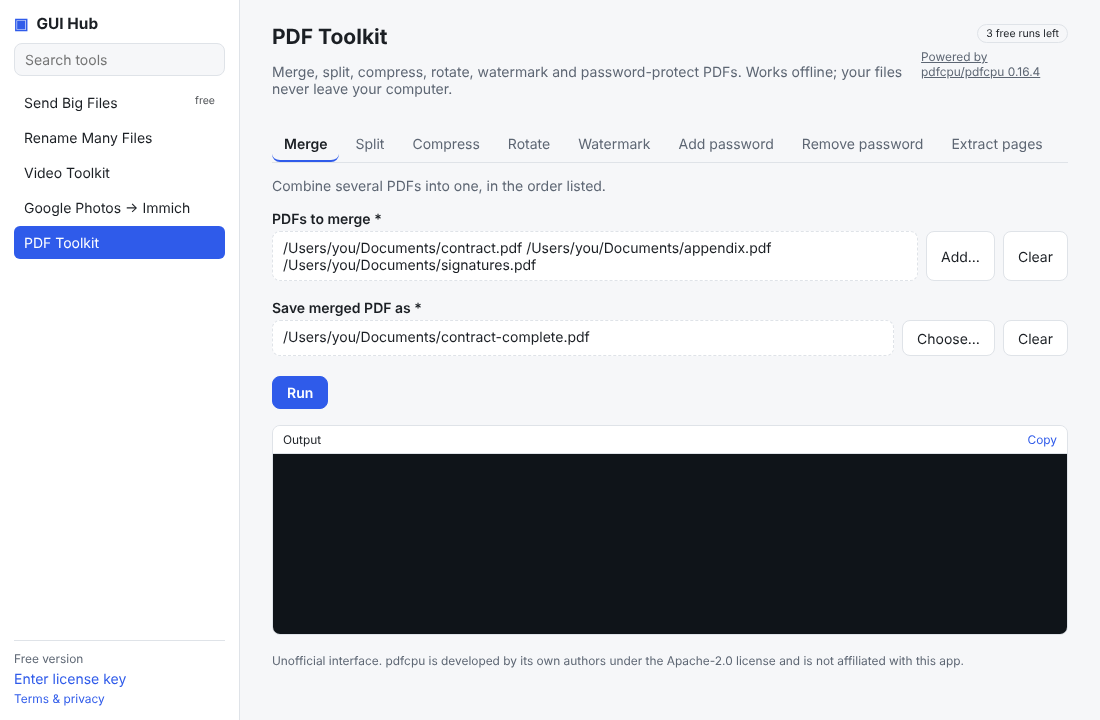
Many official forms are fillable PDFs. Acrobat Pro is a subscription, and online form fillers want your passport, tax or medical details on their servers. GUI Hub reads the form’s fields and writes your answers into a new copy, on your computer.
How it works
- List the fields: see every text box, checkbox and dropdown in the form, with its exact name.
- Fill: give the answers and get a filled copy; the original stays untouched. The engine is pdfcpu (Apache-2.0).
- With Claude or another assistant connected, just say what you want: it lists the fields, asks you for anything it doesn’t know, fills the form and tells you where the copy is.
What it doesn’t do
It fills real form fields. A scanned paper form (just a picture of a form) has no fields to fill. It doesn’t add a handwritten signature.
Try it free
Download GUI Hub Essentials and open PDF Toolkit → Fill in a PDF form. Every tool works 3 times free; $9 once then unlocks every GUI Hub tool — no subscription, 30-day money-back guarantee. Prefer AI? Ask Claude or your agent: “Fill in the visa application PDF with my details and tick “I agree”.”
Try it now
Free download — use it 3 times free. $9 once unlocks everything. Prefer to ask your AI? GUI Hub also works as an MCP server for Claude, Cursor and others.