How to turn a video clip into a high-quality GIF (Mac, Windows, Linux)
Make a sharp, small animated GIF from any part of a video — with a proper color palette, no watermark, no upload.
Free · no account · 3 free uses of every tool · also for Mac (Intel), Windows, Linux
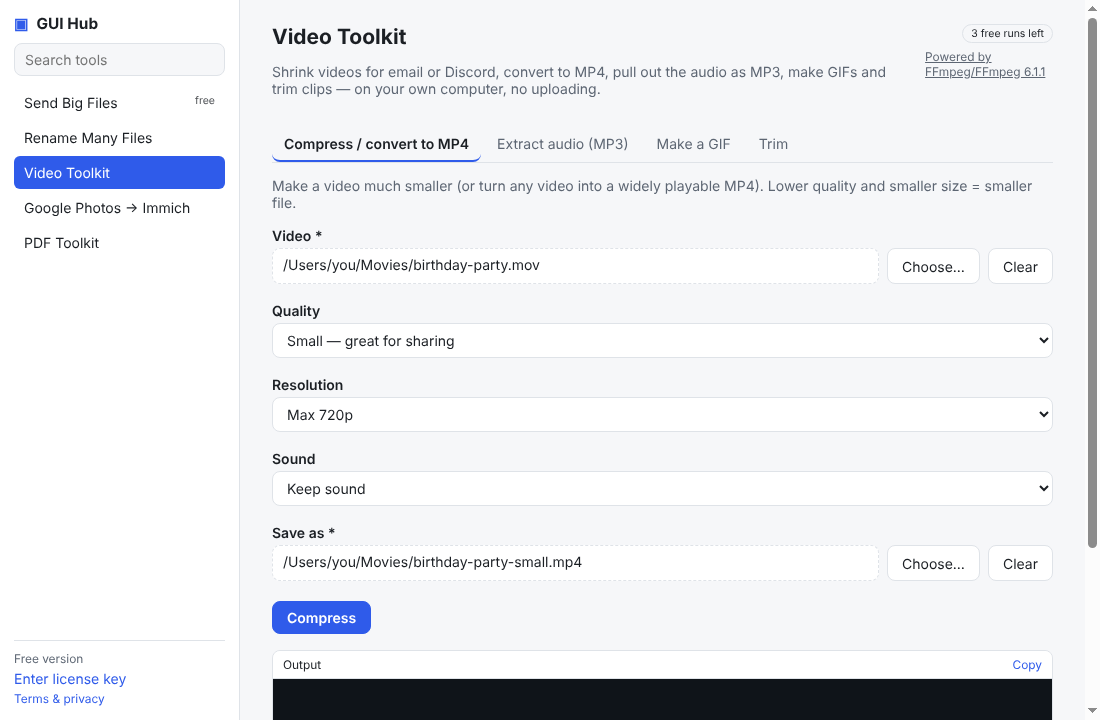
Most quick GIF makers produce blotchy colors because GIFs only have 256 colors. GUI Hub builds a custom palette for each clip, which keeps GIFs crisp and small.
Steps
- Open GUI Hub → Video Toolkit → Make a GIF.
- Choose the video, set where the GIF should start (in seconds, e.g.
12.5, or00:01:30) and how long it should be. - Pick a width — Medium (480 px) suits chats and websites.
- Press Make GIF.
Tips
- Keep GIFs short (2–6 seconds); size grows fast with length.
- Smaller width = much smaller file.
No watermark, no account, nothing uploaded.
Try it now
Free download — use it 3 times free. $9 once unlocks everything. Prefer to ask your AI? GUI Hub also works as an MCP server for Claude, Cursor and others.