| MCP tool | What it does | Inputs |
|---|
| duckdb_summarize | Inspect a local data file (CSV/TSV, Excel .xlsx, Parquet, JSON) without loading it into the chat: returns the first rows and per-column statistics (type, nulls, min, max, distinct count) as Markdown tables. Use this before writing a query. | input* string
rows number |
| duckdb_convert | Convert a local data file between CSV, Excel (.xlsx), Parquet and JSON. Writes a new file; the original is not changed. | input* string
format string
out* string |
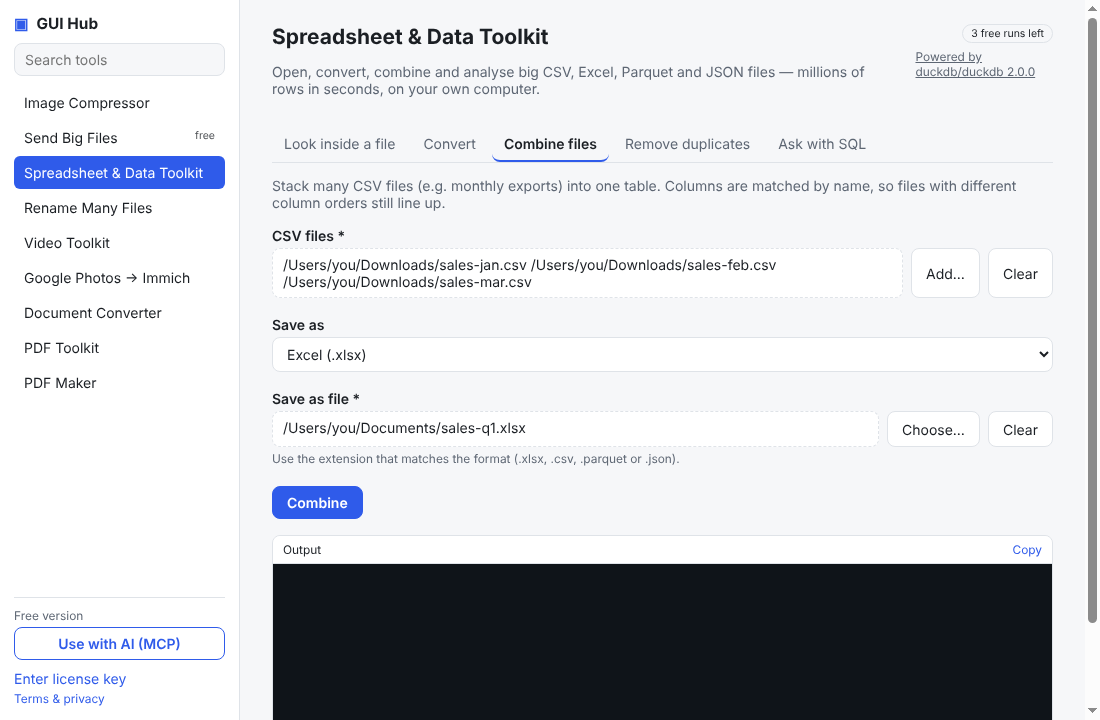
| duckdb_combine | Combine several local CSV files into one file (rows stacked, columns matched by name; missing columns become empty). Output format CSV, Excel, Parquet or JSON. | inputs* array
format string
out* string |
| duckdb_dedupe | Write a copy of a local data file with exact duplicate rows removed (CSV, Excel, Parquet or JSON in; chosen format out). | input* string
format string
out* string |
| duckdb_query | Run DuckDB SQL over local data files and get the answer as a Markdown table. Read files by quoted path: SELECT * FROM '/abs/path/file.csv' (also .xlsx, .parquet, .json; globs like '/dir/*.csv'). Use for totals, filters, group-bys, joins across files on data too big to paste into chat. Results are capped by the row limit; to save results use COPY (query) TO '/abs/out.xlsx' (FORMAT xlsx, HEADER true). | sql* string
maxRows string |